

Your Club on the District Website
Every club has its own page on rotary9660.org.au. Check it is right, and point people to it.
The district website
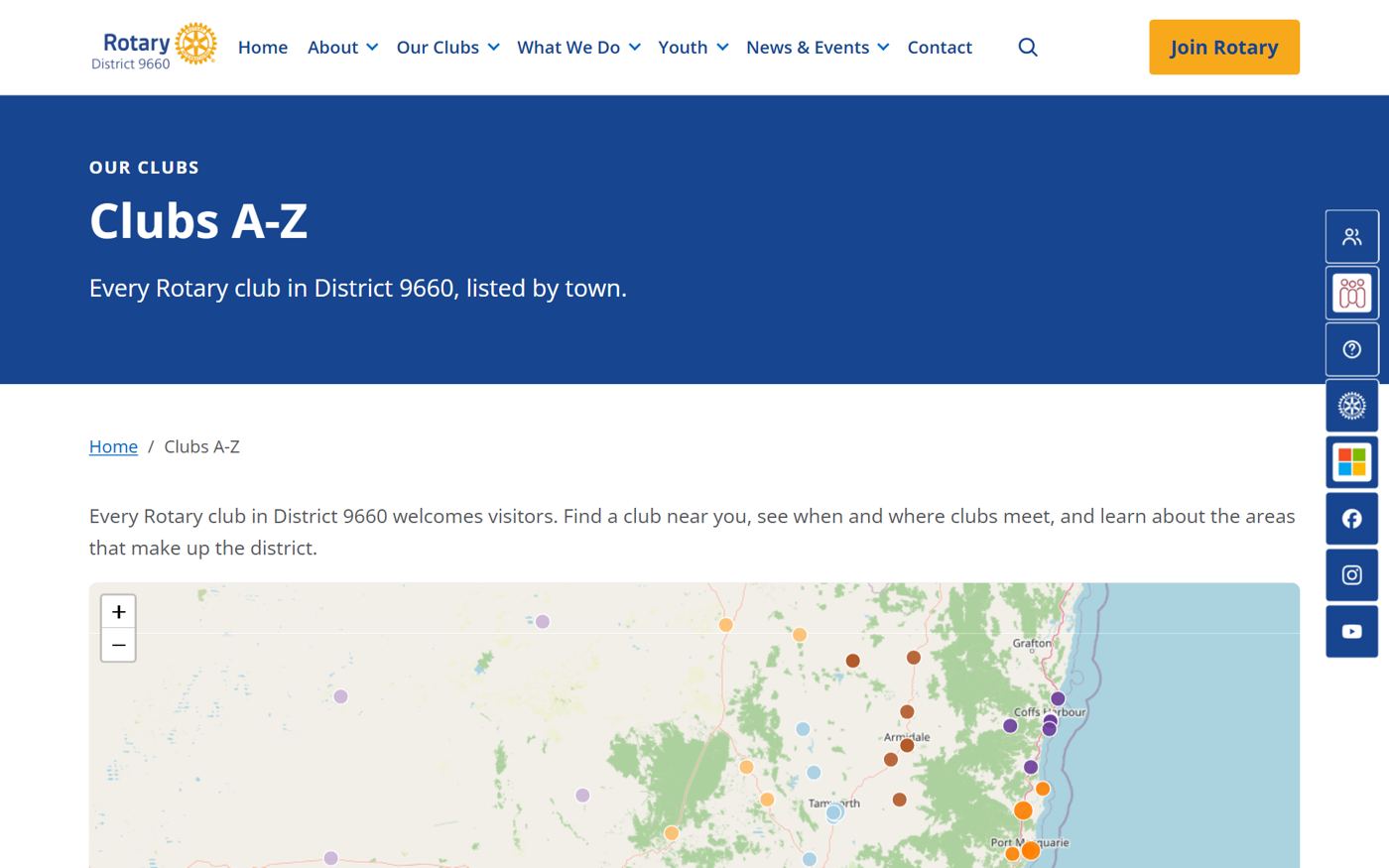
Every club on a map, with an Email the club link.
When someone searches for Rotary near them, this is often where they land. A page with the wrong meeting night loses them before they ever meet you.
What is on the district website for your club
- Find a club. Every club on a map, listed by town, with meeting details. rotary9660.org.au/clubs
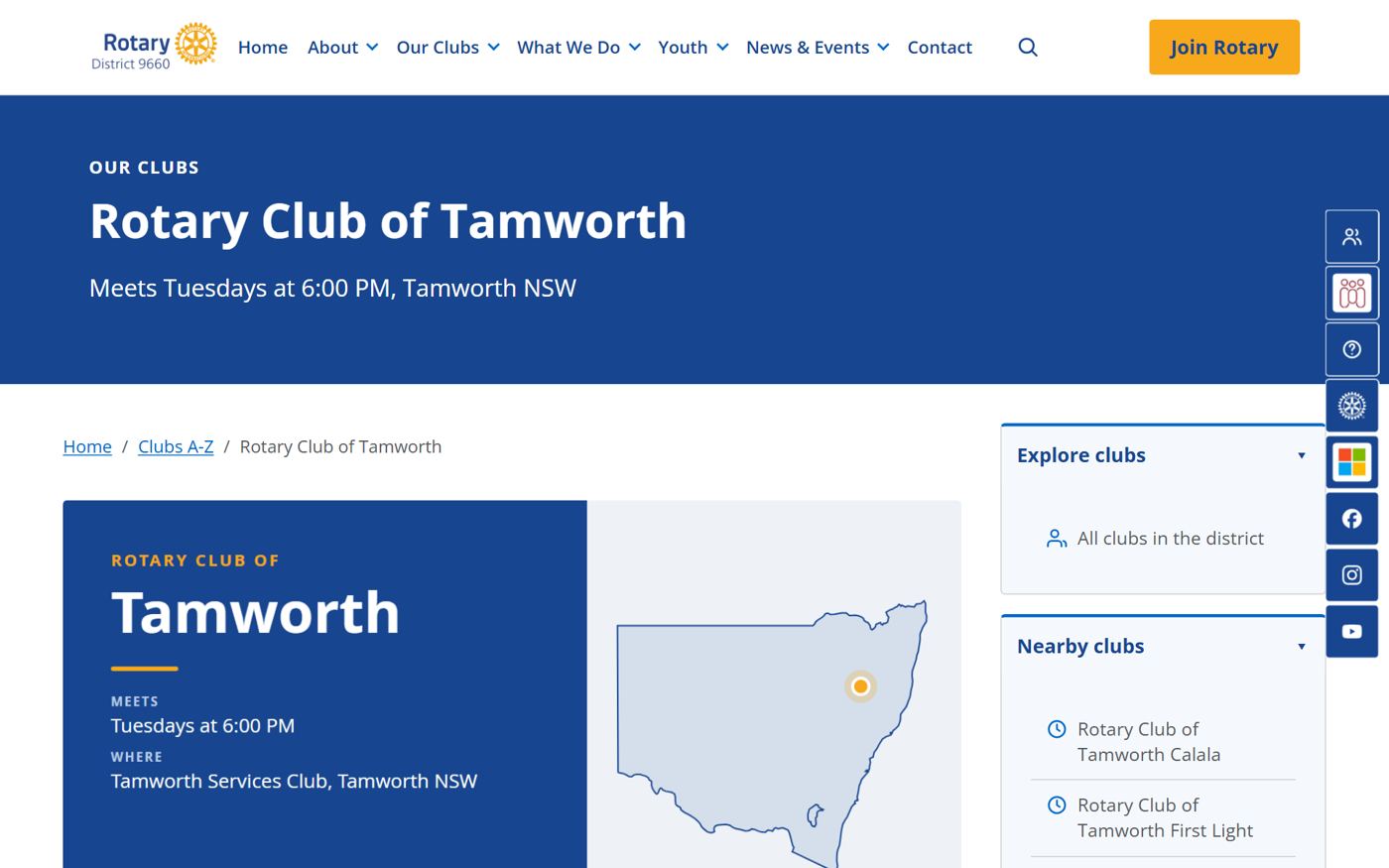
- Your club's own page. Meeting day, time and venue, a map, nearby clubs, and links to your website and Facebook.
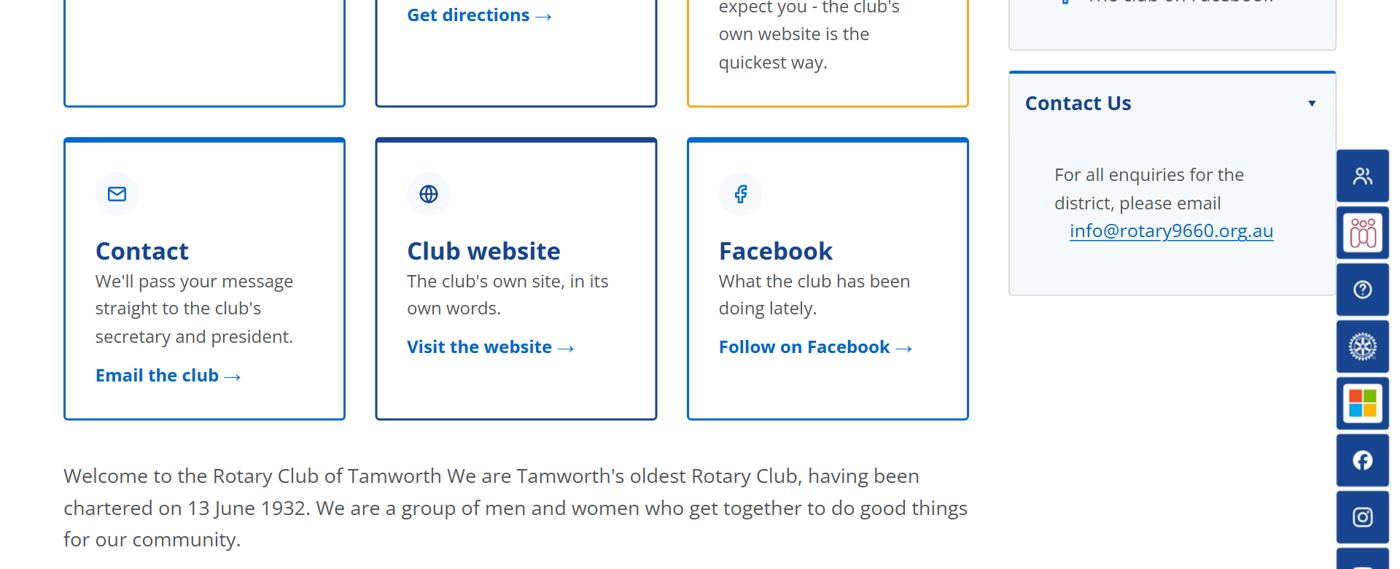
- Email the club. Enquiries from your page go straight to your club's secretary and president. Hit Reply to answer the person directly.
- Stories and Spotlight. Every Spotlight article also becomes a story on the website, which Google can find.
- Join Rotary. Where curious people land: rotary9660.org.au/join.
Check your club page this week
- Is the meeting day, time and venue right?
- Do the links go to your current website and Facebook page?
- Are your secretary and president current in DACdb? Email the club sends to them, so if they're wrong, enquiries go to the wrong person.
- Should enquiries go somewhere else, such as a membership chair? Email info@rotary9660.org.au.
How enquiries are delivered, and what to do if one doesn't arrive: club enquiries reach your club.
Use the link in your posts
End posts with "Tap Email the club" and link your club page. It turns a like into a conversation with your secretary. See people join people.