

Templates and Checklists
Monthly themes, a weekly posting plan, post starters and a checklist to run before you hit Post.
Templates
Never start from a blank page.
Copy these, fill the gaps, add your own photo.
A week of posts
Plan a week at a time and your content practically runs itself.
Mon
Member spotlight or behind the scenes
Tue
Project update or service story
Wed
Share a post from the district, Rotary or a partner
Thu
Fun fact, Rotary quote or awareness day
Fri
Upcoming event or a call to action
Weekend
Photo recap or community moment
Can't manage daily? One to three posts a week is plenty. See social media in fifteen minutes a week.
Rotary's monthly themes
Rotary International gives each month a theme: an easy way to plan one post a month. Use the graphic, add a line about what your club does in that area.

Maternal and Child Health

Membership and New Club Development

Basic Education and Literacy
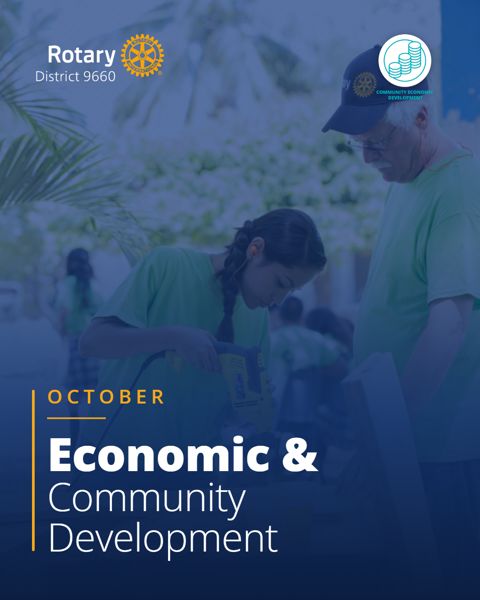
Community Economic Development

Rotary Foundation

Disease Prevention and Treatment

Vocational Service

Peacebuilding and Conflict Prevention

Water, Sanitation and Hygiene
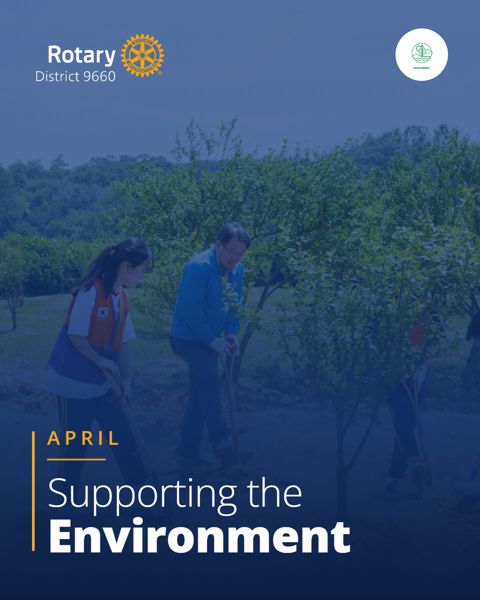
Environment
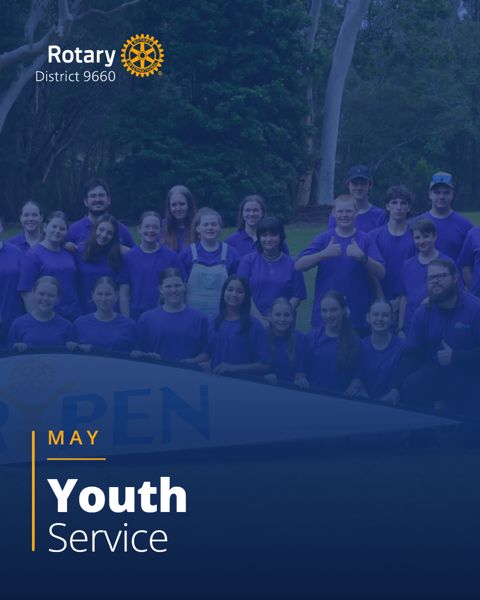
Youth Service

Rotary Fellowships
Post starters
- After a project: "Our members spent Saturday [doing what] with [partner]. Thanks to [who], [how many people] in [town] now [what changed]. #Rotary #RotaryDistrict9660 #PeopleOfAction"
- Before an event: "Save the date: [event] on [day, date] at [place]. [One line on why it's worth coming]. Book or find out more: [link]"
- Member spotlight: "Meet [name], who joined our club in [year] because [reason]. Favourite project so far: [project]."
- Thank you: "A big thank you to [sponsor or partner] for [what they did]. Together we [result]."
- Invitation: "Curious about what we do? Come along to [event] on [date] and meet the team. No commitment, just good people doing good things. Message us or tap Email the club."
Before you post
Ready to post when:
- the photo is light, tight and bright, with people doing something
- everyone in it has agreed in writing, and no child or young person is prominent and identifiable
- someone who has never heard of Rotary would understand it
- it says who was helped, or what changed
- there's a next step: a link, a date, a contact
- partners and sponsors are thanked and tagged
- names, dates and facts are checked
- it carries #Rotary #RotaryDistrict9660 #PeopleOfAction
Hold it if:
- it's a line-up or a cheque handover with nothing happening
- it uses Rotary jargon (DG, PHF, District) without explaining it
- you're not sure everyone pictured agreed
- it only thanks the people who were there