

People Join People
How to turn your club's publicity into invitations that bring new people through the door.
The brand isn't the logo
It's you.
Most people decide what an organisation is like by meeting one person from it. People don't join organisations. They join people.
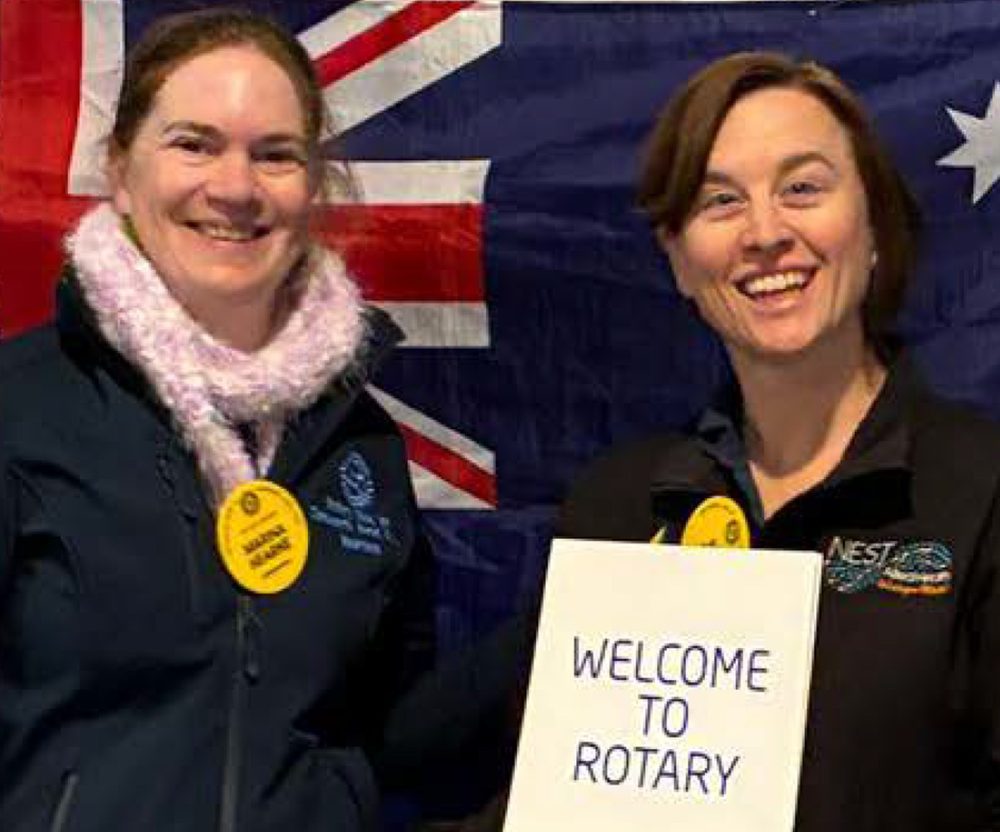
Be the somebody who asks
- Invite them to a thing, not a meeting. Nobody has ever fallen in love with minutes. Invite people to a working bee, a trivia night or a sausage sizzle.
- Lead with the cause, not the badge. People care about their town; the club is the vehicle.
- Tell a story, not a structure. "I help run leadership camps for teenagers" beats an explanation of clubs, districts and zones.
- Your phone is the best ad your club will get. Take the photo, tag the people, share the post.
Turn a post into an invitation
Most club posts thank the people who were already there. Add one line and the same post invites the people who weren't.
"Loved trivia night? We run one every term and we'd love you on a team. Next one: Friday 6 March at the bowlo. Message us or tap Email the club."
A date, a place, a way to say yes.
"Thanks to everyone who came to our trivia night."
Only speaks to people who were there.
- End every post with one ask. Come to the next event, message us, or tap Email the club.
- Make it easy to say yes. A date, a place, a name to ask for. No Rotary jargon.
- Send them to your club page. Every club has a page on the district website with an Email the club link that reaches your secretary and president: your club on the district website.
- Reply within a week. Answer every message, comment and enquiry. Curious people who hear nothing don't ask twice.
Anyone curious about Rotary in general lands on the district's Join page: rotary9660.org.au/join.
Want help turning your club's posts into invitations? Email publicimage@rotary9660.org.au.