The IT Help Portal is a service of Rotary District 9660.

Go to the district website
Rotary District 9660 IT Help Portal
FAQ Meet the Team

Getting Started

Getting Started Sign in, set your password, and set up MFA.

Microsoft 365

Microsoft Teams Meetings, chats, channels, and file sharing. Outlook Email, shared inboxes, and contacts. SharePoint Shared files, documents, and committee sites. OneDrive Your personal cloud file storage. Calendar Schedule meetings and manage events.

For clubs

For Clubs Set up and secure your club's own Microsoft 365 tenant.

District Systems

DACdb District and club database for member records and reporting. Tools Document signing and the compliance register lookup.

Online Forms

Online Forms Every district form you can fill in online.

Youth Exchange

Youth Exchange Program Guides for students, host parents, Club Counsellors, YEOs and the YEP Committee, plus the YEP portal, SOP and training.

Public Image

Canva Design posters, social tiles, and branded materials. Public Image Everything a club needs to be seen: social media, photos, Spotlight, your club logo and more.

Training Videos

Training Videos Recordings, slides and handouts from the district webinar series.
FAQ Answers to common questions. Meet the Team Who's behind the help portal. Request Support Can't find what you need? Get in touch.

Getting Your Club into Spotlight

The district's fortnightly newsletter is made from club stories. Here is what to send and where.

The district newsletter

Spotlight: out every second Wednesday.

A flipbook on the 2nd and 4th Wednesday of each month: club stories, member profiles, district news and events.
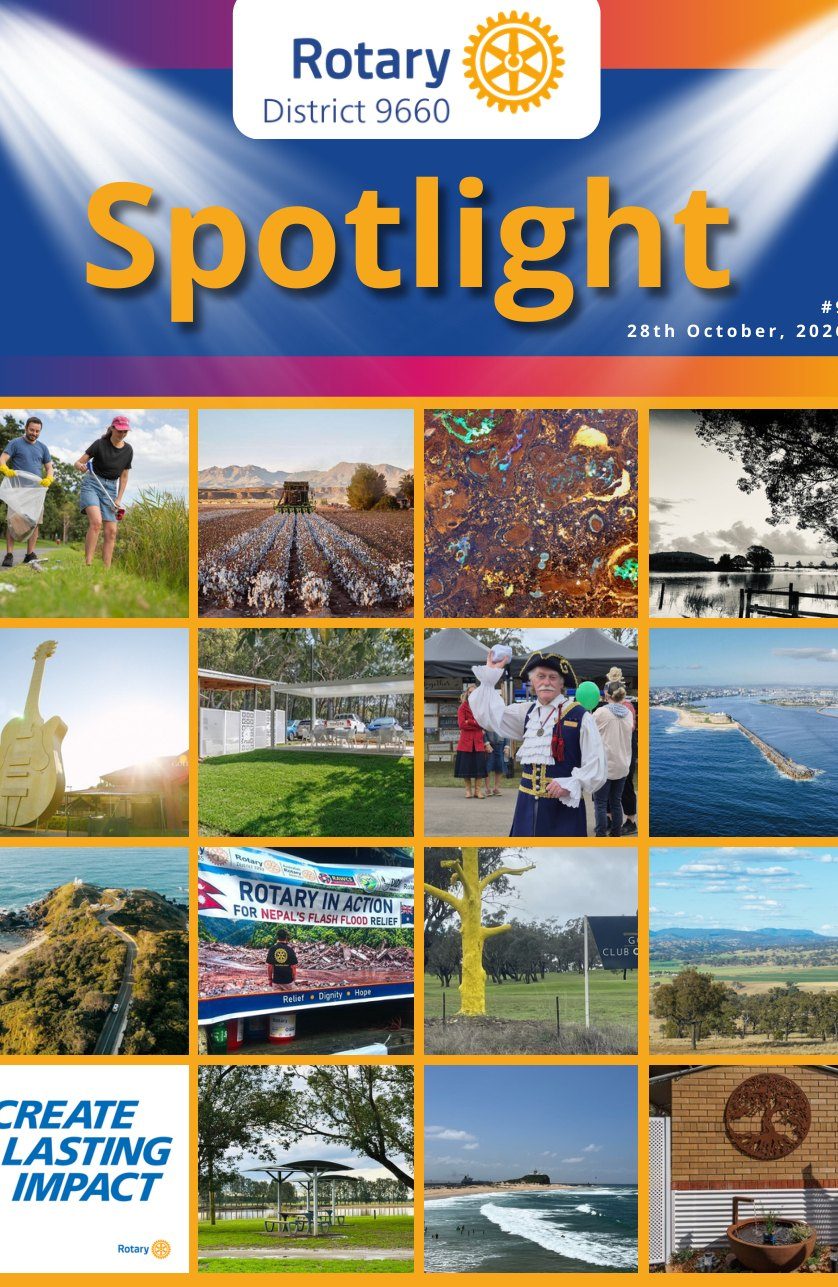
The cover of a Spotlight edition, a grid of photos from around the district
4,121
reads since July 2026
As at November 2026
647
different people have read it since October
As at November 2026
2 min 48 s
average time each reader spends with it: real reading, not a skim
As at November 2026

Send us your story

We do the writing and the design. You send the raw material.

  1. 2 to 4 action photos. People doing things, not line-ups. Full-size files attached, not pasted into a document. See photos and video.
  2. Who was involved. Your members, partners, and the people you helped (with their agreement to be named).
  3. What happened. A few lines is plenty.
  4. What changed for the people you helped. The impact is the story.

Send to districtnewsletter@rotary9660.org.au, or use the story form at rotary9660.org.au/share-your-story. Send it by the Friday before an edition; earlier is always better. Video: MP4, two minutes at most.

One story, three places

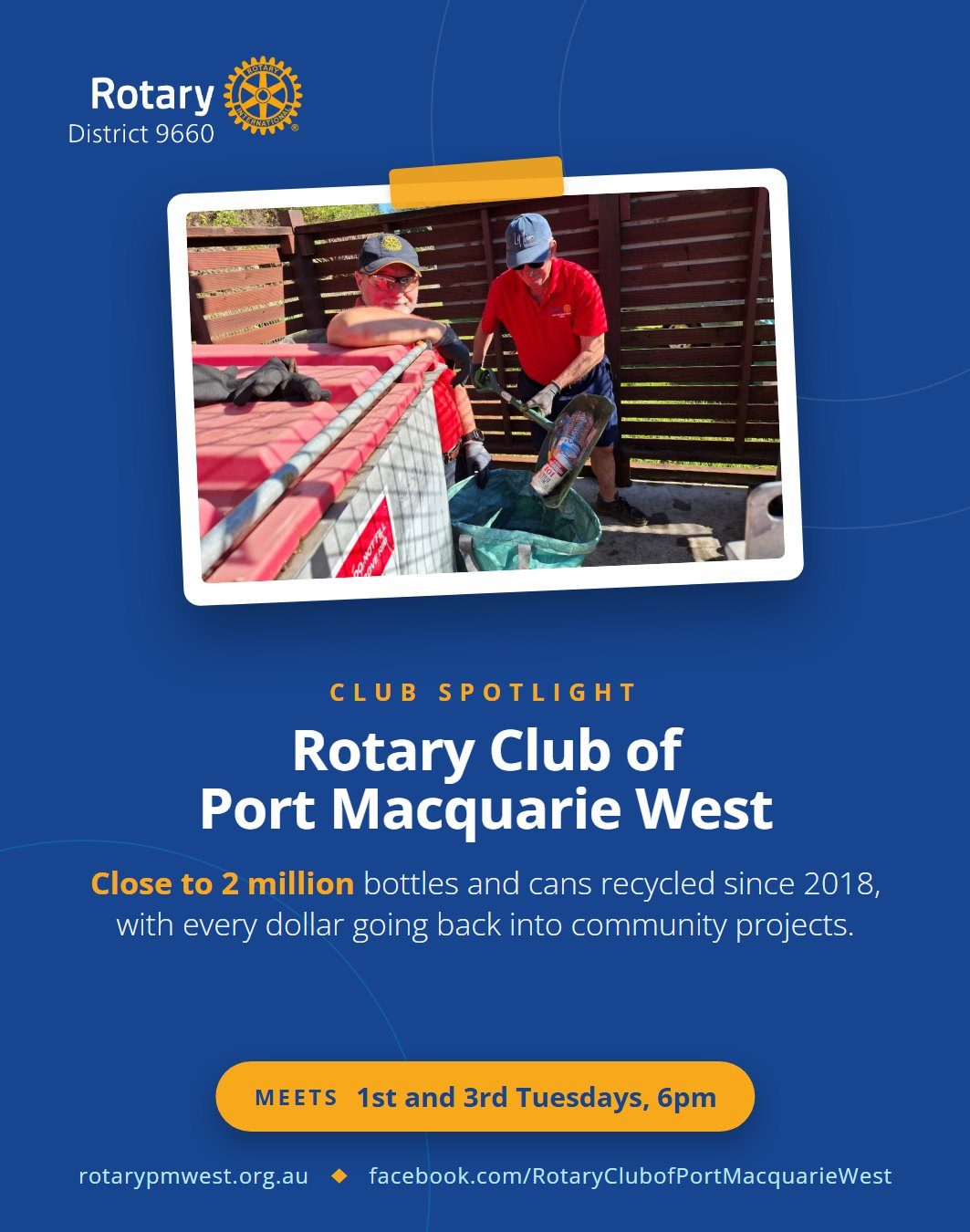
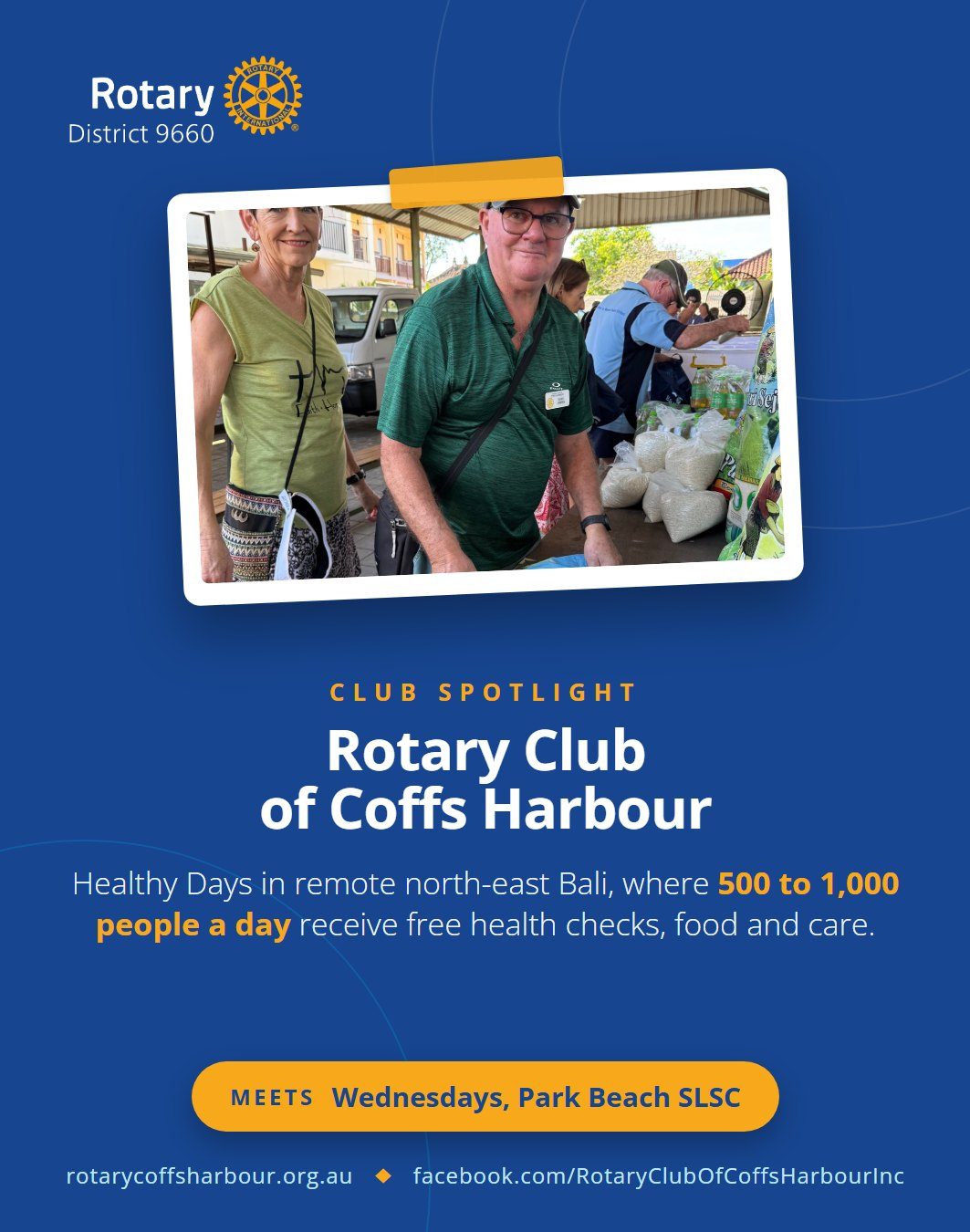
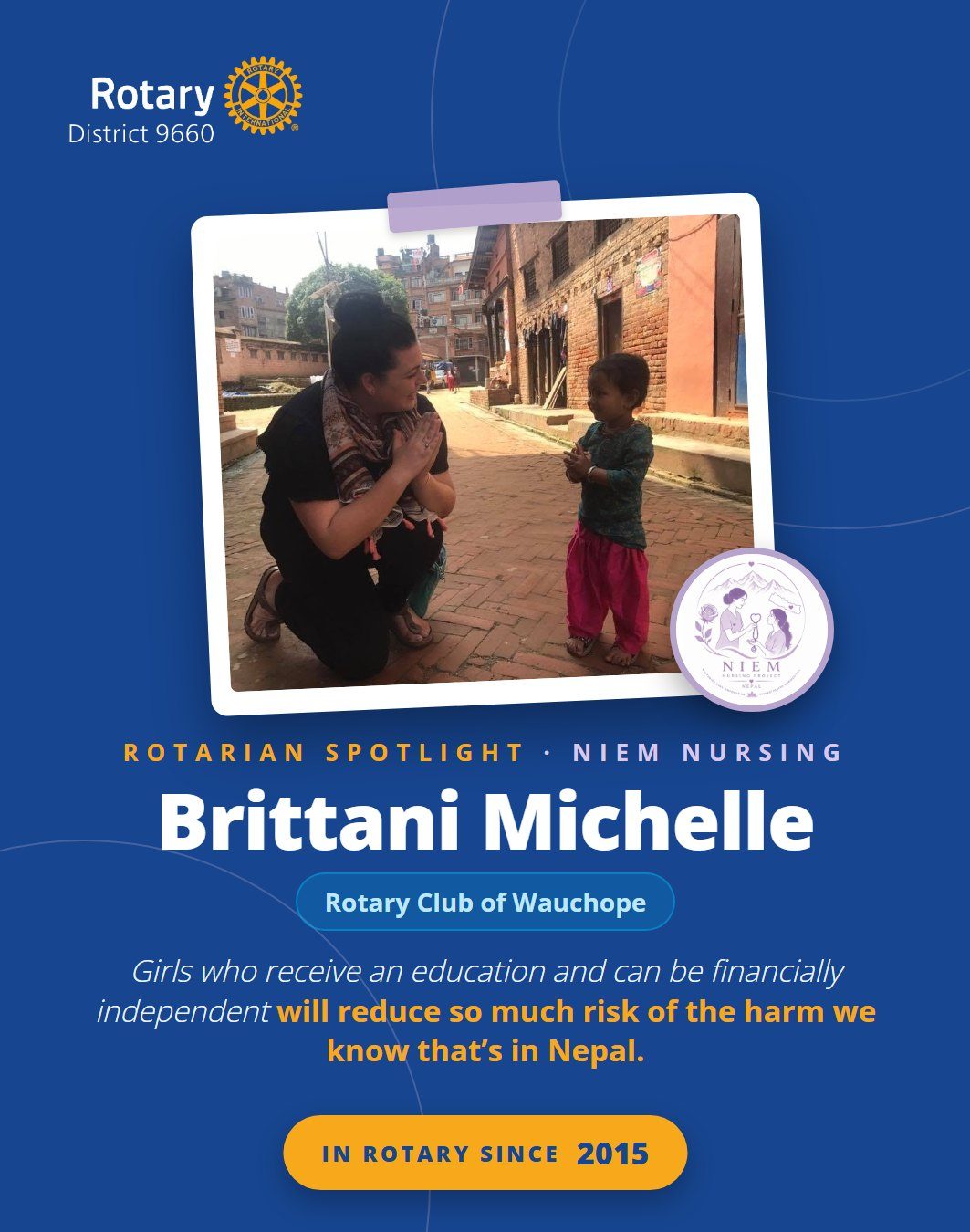
Each story you send can become a Spotlight page, a district social media post and a story on the district website. Club Spotlights and Rotarian Spotlights look like this:
Want your club or one of your members featured? Email publicimage@rotary9660.org.au.

Make sure your members get it

  • Most readers open Spotlight from the district email, so check your members' email addresses in DACdb are current.
  • Partners, sponsors and friends of your club can subscribe too: newsletter sign-up.
  • Every edition is on the district website: rotary9660.org.au/news/spotlight.