
Rotary District 9660 IT Help Portal
FAQ Meet the Team

Getting Started

Getting Started Sign in, set your password, and set up MFA.

Microsoft 365

Microsoft Teams Meetings, chats, channels, and file sharing. Outlook Email, shared inboxes, and contacts. SharePoint Shared files, documents, and committee sites. OneDrive Your personal cloud file storage. Calendar Schedule meetings and manage events.

For clubs

For Clubs Set up and secure your club's own Microsoft 365 tenant.

District Systems

DACdb District and club database for member records and reporting. Tools Document signing and the compliance register lookup.

Online Forms

Online Forms Every district form you can fill in online.

Youth Exchange

Youth Exchange Program Guides for students, host parents, Club Counsellors, YEOs and the YEP Committee, plus the YEP portal, SOP and training.

Public Image

Canva Design posters, social tiles, and branded materials. Public Image Club website and social media audits.

Training Videos

Training Videos Recordings, slides and handouts from the district webinar series.
FAQ Answers to common questions. Meet the Team Who's behind the help portal. Request Support Can't find what you need? Get in touch.

Tools

PDF signing and the compliance register lookup.

Where the tools live

The district's document signing tool and compliance register lookup are linked from the support portal at support.rotary9660.org.au. Bookmark it: both tools on this page are one click from there.

Looking for a district form instead, such as the RYVID declaration, the Endorsement Form, or an event registration? Those have moved to Online Forms.
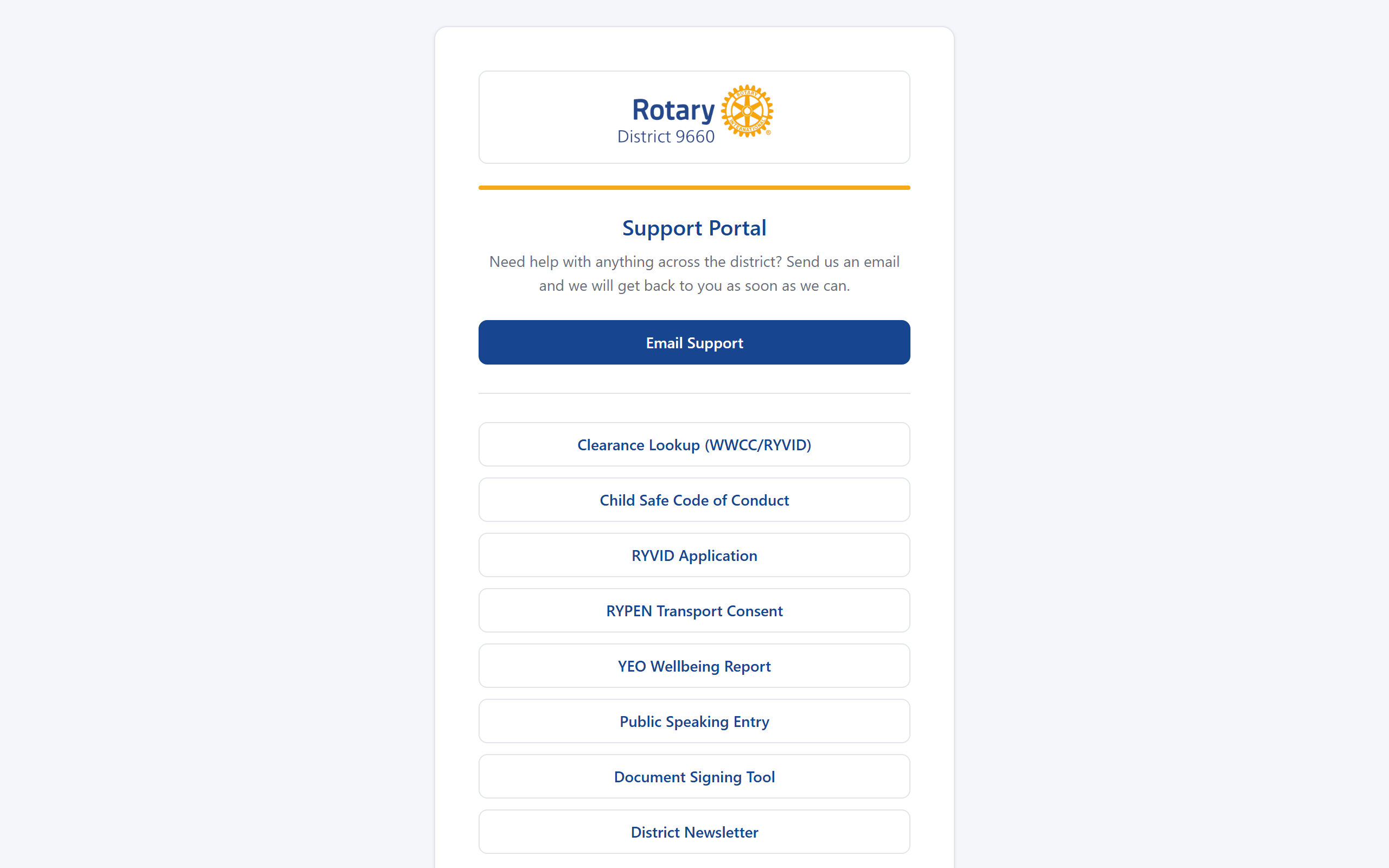
Support portal landing page listing the district's online tools, including the Clearance Lookup and Document Signing Tool