


Newsletter Subscriptions
Let anyone subscribe to the Spotlight newsletter, and compose the fortnightly send as a ready-to-review draft.
On this page
What is it?
The newsletter subscription system lets people who are not in DACdb receive the District 9660 newsletter, Spotlight. Community members, partners and Friends of Rotary can subscribe themselves through a public form. Each fortnight, the Public Image team or the District Governor generates a ready-to-send email draft that goes to every active subscriber.
Members already receive Spotlight through DACdb, so this is for everyone else.
Subscribing
Anyone can subscribe at:
support.rotary9660.org.au/newsletter
They enter their first name, surname and email, and tick the consent box. They are added straight away and receive a short welcome email confirming the subscription. No login is required.
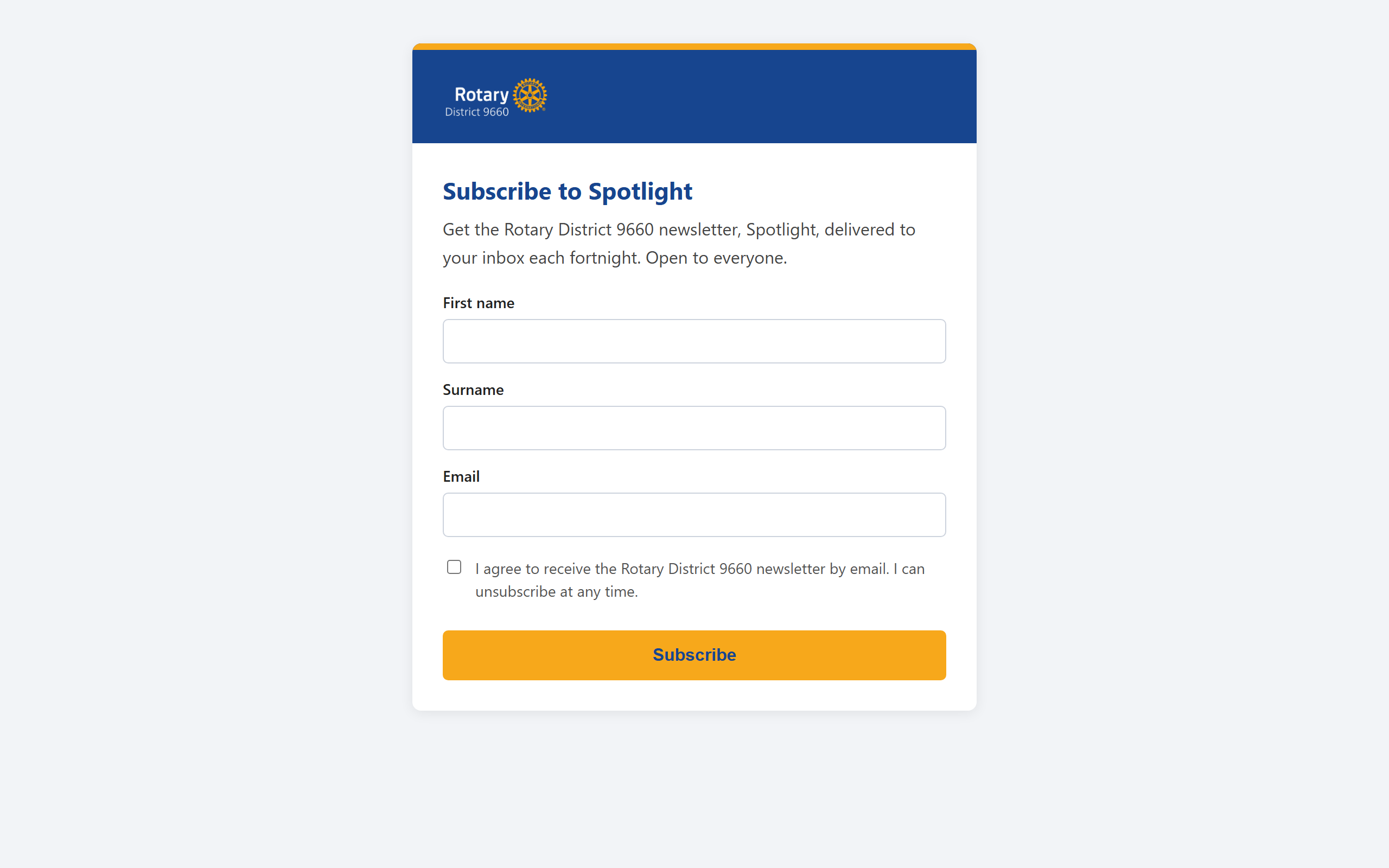
Share this link on social media, in club bulletins, and at community events.
Composing and sending an edition
When a new edition of Spotlight is ready:
- Go to support.rotary9660.org.au/newsletter-admin and sign in.
- Fill in:
- Edition number (for example, 2). This builds the subject line.
- Heyzine URL for this edition (the "Read the Newsletter" button links here).
- Preview text (the short line shown in the inbox preview).
- Preamble (the intro paragraph under the greeting).
- Click Create draft. The system builds one email to all active subscribers and places it in the districtnewsletter@ Drafts folder.
- Open the draft in Outlook, give it a final read, and send it yourself.
The system never sends automatically. You always have the last look before it goes out.
Everyone is added to the BCC field, so subscribers never see each other's addresses. The greeting is a general "Hello, Friends of Rotary".
flowchart TD
    A["Subscriber joins via the public form
and gets a welcome email"] --> B["Active subscriber list
in SharePoint"]
    C["PI team or DG fills in the edition details
on the admin page"] --> D["Create draft builds one BCC email
to every active subscriber"]
    B --> D
    D --> E["Draft lands in the
districtnewsletter@ Drafts folder"]
    E --> F["A person reviews the draft in Outlook
and sends it - never automatic"]
    F --> G["Unsubscribe link in the footer removes
a reader from future sends immediately"]
Unsubscribing
Every newsletter has an unsubscribe link in the footer. It opens:
support.rotary9660.org.au/newsletter-unsubscribe
The person enters their email and is removed from future sends immediately. This is a legal requirement for newsletters in Australia, so the link stays in every edition.
Who can send
Composing and sending is limited to the Public Image team and the District Governor. Anyone else who opens the admin page will be told they are not authorised.
To add someone to the sender list, contact IT (support@rotary9660.org.au): the list of authorised senders is a small setting in the newsletter functions.
Troubleshooting
"Access denied" on the admin page. You are signed in but not on the authorised-senders list. Contact IT to be added.
No welcome email after subscribing. Check the junk folder first. If it is genuinely missing, the subscription may still have succeeded: the list is the source of truth. Contact IT to confirm.
A subscriber says they still get the newsletter after unsubscribing. Confirm they used the same email address they subscribed with. If it still happens, contact IT.
For anything else, email support@rotary9660.org.au.